
Create your account
Sign up, confirm your email, name your workspace, and understand what the Free plan gives you.
Creating a Rivarise account takes about a minute and needs no payment method. This page covers the signup itself, what happens immediately afterwards, and the decisions worth getting right at the start.
Sign up
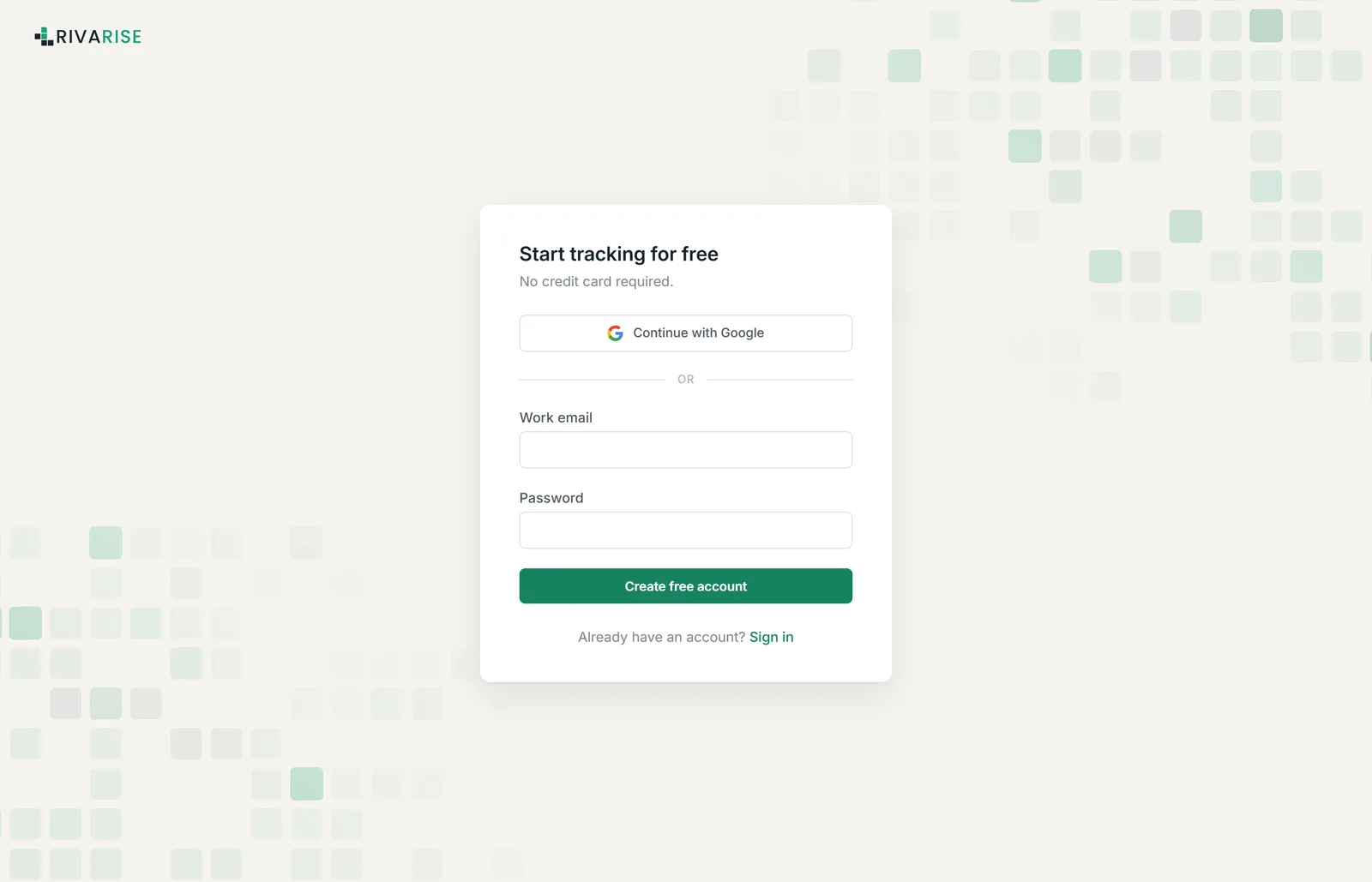
- Go to the signup page. Open app.rivarise.com/signup.
- Enter your work email and a password. Use the address you actually read, because alerts, weekly digests and billing receipts all go there. You can change it later in Settings.
- Confirm your email. We send a confirmation link. Click it to activate the account. If it has not arrived in two minutes, check spam, then see the troubleshooting note below.
- Land in onboarding. After confirming, you are taken straight into a short setup flow that asks for your workspace name, then your first domain, then your first prompts.
Your workspace
Everything in Rivarise belongs to a workspace: domains, prompts, results, competitors, reports, billing and team members. One account belongs to exactly one workspace, and every record is scoped to it at the database level, so no workspace can ever read another's data.
Name it after your company, not after yourself. The name appears in the sidebar, on PDF reports and in client portals, and changing it later is one field in Settings but a lot of regenerated reports.
You are the Owner of a workspace you create. The Owner is the only role that can delete the workspace or change the plan. See Team members and roles for the full permission table.
What the Free plan gives you
You start on Free automatically. It is a permanent plan with no expiry and no card on file:
| Limit | Free plan |
|---|---|
| Prompts | 3 |
| Check frequency | Weekly |
| AI engines | 1 (ChatGPT) |
| Domains | 1 |
| Team seats | 1 |
| History retained | 7 days |
| PPS score | Lite, based on citation rate only |
| Competitor tracking | Not included |
| Sentiment analysis | Not included |
Free is genuinely useful for answering one question: does ChatGPT mention us at all? It is not enough to run a programme on, because weekly checks and seven days of history cannot show a trend. The full matrix is on Plans and limits.
Signing in afterwards
Sign in at app.rivarise.com/login with your email and password. If your organization uses SAML single sign-on, use app.rivarise.com/login/sso instead and enter your company email domain; see Enterprise SSO.
Forgot your password? Use the reset link on the login page. The email arrives from noreply@rivarise.com.
What to do next
Do not stop at the account. A workspace with no domain and no prompts produces nothing, and the value only appears once checks have run a few times. Continue to Add and verify a domain, which takes about a minute.