
Domains
Managing tracked domains, removing them, and what happens to their history.
The Domains screen lists every site Rivarise looks for in AI answers. It is deliberately minimal: a domain is a target to match against, not an integration.
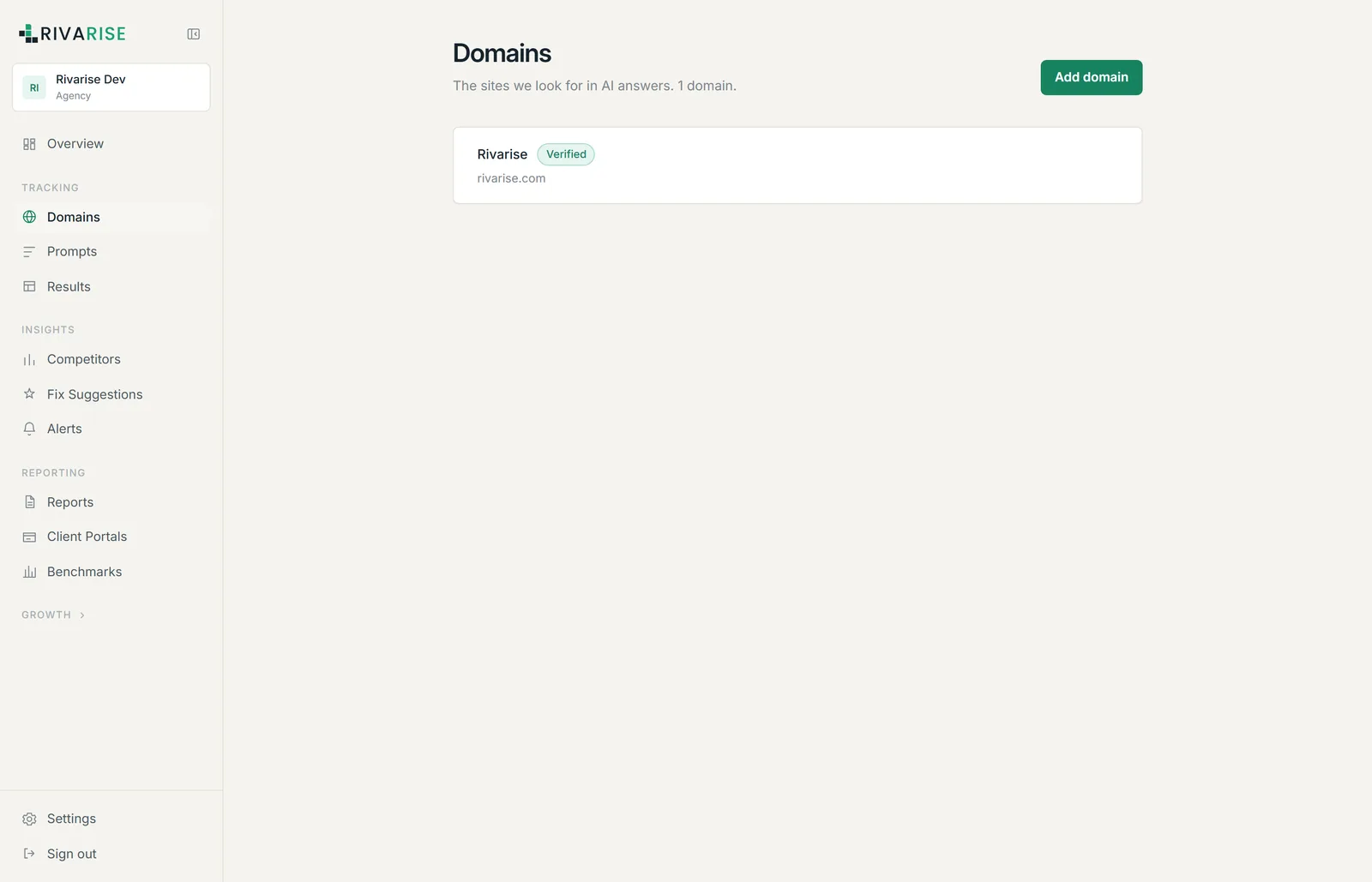
What is on the screen
- Add domain. Opens the field for a new hostname. Enter it bare, without a scheme,
www.or a path. - Domain rows. Display name, hostname and verification state.
- Remove. Deletes the domain and its history. Not reversible.
- Counter. The subtitle shows how many domains you are using against your plan allowance.
How matching works
Matching is on the registrable domain, so one entry covers the apex and every subdomain and path beneath it. Adding rivarise.com catches a citation of www.rivarise.com/pricing and blog.rivarise.com alike. You do not need separate entries for those, and adding them would waste an allowance slot.
Add separate domains only when they are genuinely different properties: a client site if you are on Agency, or a second brand or regional site on its own domain. Every plan below Agency includes one, so a genuinely separate property means moving to Agency rather than adding a slot.
Limits by plan
| Plan | Brands | Seats |
|---|---|---|
| Free | 1 | 1 |
| Starter | 1 | 1 |
| Growth | 1 | 3 |
| Business | 1 | 5 |
| Agency | 5 | Unlimited |
Verification
Domains carry a Verified marker used internally to gate client-facing surfaces such as portals and reports. There is no DNS record, meta tag or file upload anywhere in this process, and tracking does not wait on it.
Removing a domain
Removal takes effect immediately and takes the results and snapshots with it. Re-adding the same hostname later starts a fresh history; the old trend does not come back.
Before removing, export what you need from Results or generate a PDF report. Existing PDFs are static files and are unaffected, but client portals pointing at that domain will lose its data.
Notes for agencies
The domain is the unit most things are counted and organized in. Reports are generated per domain, portals are scoped to a chosen set of domains, and Agency raises the cap to five. One domain per client is the pattern that works, which makes five clients the practical ceiling of the plan.